
Kickstart your Creativity: Introduction to Mood Boards
Nancy Herrmann · Creative Director and Packaging Designer
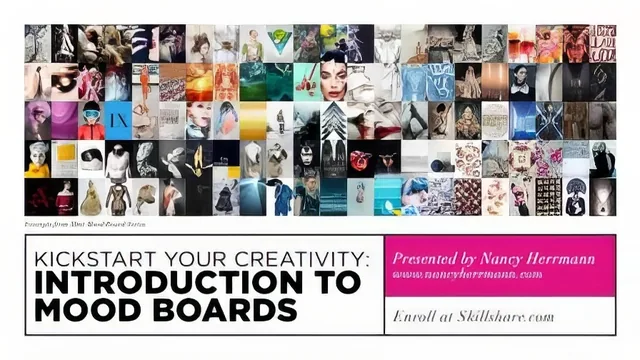
A 43-minute crash course that hands you Nancy Herrmann's actual mood-board process, but skips the software tutorial entirely.
A process course, not a software course
This class promises to teach mood boards and it delivers exactly that: a compact, well-sequenced walk through the thinking behind a mood board, not the button-clicking. Nancy Herrmann, a packaging designer and creative director, structures the fourteen lessons into three clear units: key concepts and visual language, collecting inspiration, and building the actual board. That arc matters more than any single lesson, because it mirrors the order a working designer actually follows: understand the tool, gather raw material, then edit it down.
The visual language section is the backbone of the course. Herrmann breaks format, layout, flow, scale, focal points, color, pattern, texture and typography into short, separate videos, which makes the material easy to revisit while working on the assignment rather than needing to rewatch one long lecture. Her explanation of flow, tracing how the eye moves from a title in the upper left to a face, then to a circular accent shape, then down and across the page, is a concrete demonstration of a principle that is usually left abstract in design tutorials. Scale and focal points get similar treatment: she argues for one or two large anchor images and warns against wasting space on a mediocre photo, a rule that is easy to state and harder to actually practice.
Where the course earns its runtime
The strongest material sits outside the design-principles unit. The lesson on crediting sources is unusually practical for a course this short: it walks through using Google's reverse image search, right down to copying an image address and pasting it into the search box, to trace an uncredited Tumblr repost back to a named photographer and stylist. That is a real research skill, transferable well beyond mood boards, and it stands out precisely because so few design courses bother to teach it.
The ideation and critique lessons round out the process convincingly. Herrmann demonstrates her own Matisse-inspired board moving from raw Pinterest pins through a fashion tangent, a paper-cutout tangent, and finally a settled art-direction focus, showing that the first idea is rarely the final one. Her repeated instruction to edit aggressively, asking whether the same story can be told with fewer images, is the kind of advice that only lands because she shows her own board getting pared down in front of the viewer.
The gap
The course's honesty about its own limits is also its biggest shortfall for less experienced students. Herrmann recommends InDesign, Illustrator or Photoshop but never demonstrates page setup, image placement or export inside any of them, so a true beginner to those tools will finish the class with a strong concept and no idea how to execute it physically. The pacing also leans heavily toward inspiration-gathering and principle explanation, while the actual construction of the board, shown briefly in the iteration lesson, moves fast and skips over the mechanics of assembly.
For a designer, photographer, or stylist who already knows their way around Adobe software, this is a tight, useful primer that will sharpen an intuitive process into a deliberate one. For anyone hoping to learn the software alongside the concept, it will feel like half a course.
The standout
The reverse-image-search walkthrough for tracing an uncredited photo back to its original source and photographer is a genuinely reusable research skill on its own.
What you will learn
- How to distinguish a mood board from a brand identity board and when each applies
- A repeatable research workflow using Pinterest, Nice.co and drop mark for collecting inspiration
- How to build visual hierarchy using scale, focal points and drop shadows to guide the eye
- A method for tracking down uncredited image sources through Google reverse image search
- How to edit a large image pool down to one or two focused concepts through iteration
- How layout, flow and balance work together on a single-page digital composition
Best for: A beginner creative, whether designer, photographer or stylist, who already owns Adobe software and wants a structured process for turning scattered inspiration into a client-ready presentation.
Skip it if: Anyone without InDesign, Illustrator or Photoshop, or anyone hoping for step-by-step software instruction rather than conceptual guidance.