
Instagram Essentials: Build Your Brand, Grow Your Community
Scott Bakken · Photographer & Socality Founder
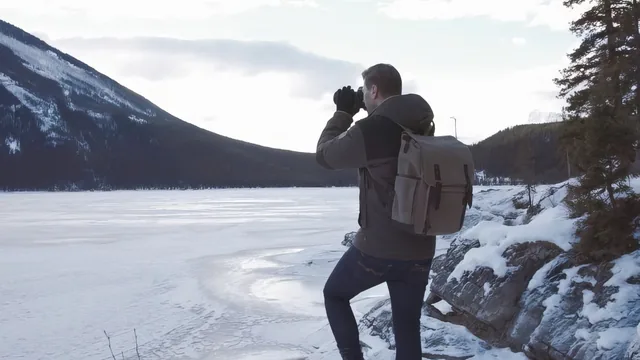
Twenty-five minutes of mindset and motivation from an Instagram founder, but almost no hands-on technical instruction.
What it actually covers
Scott Bakken built his Instagram following and the Socality community around a simple philosophy: photograph your own surroundings consistently, connect with people who respond to that aesthetic, and treat social media as a conversation rather than a broadcast. The course opens with his personal story of moving from Sydney back to Calgary and using photography to process that isolation, then spends most of its runtime restating variations on four ideas: stay consistent, know your aesthetic, find your tribe, and engage with others. These points recur across the "Aesthetic," "Social Influence," and "Community Engagement" lessons with little new information added each time.
The one lesson with real technical content is "Product Placement & Authentic Captures," where Bakken walks through editing a single photo across three mobile apps in sequence: a white balance and shadow pass in Lightroom, a targeted brush adjustment in Snapseed, and a final preset pass in VSCO, finishing with a quick blemish removal in an app called Retouch. Watching a photographer explain why he pulls back one tone or brushes down a patch of blue sky is useful precisely because it is specific, and it stands in sharp contrast to the vagueness of the surrounding lessons.
Where it falls short
The "Strategy" lesson, which sounds like it should cover posting cadence, hashtags, and analytics in depth, is a single short passage that name-drops an analytics tool and says timing matters, without a workflow, benchmark, or example. The community-building material stays similarly abstract: viewers are told to find their tribe and turn online contact into real-life meetups, but never shown how to research a hashtag, evaluate an account to follow, or structure an outreach message. For a class explicitly about "building your online community," the actual community-growth mechanics are thin.
The project, capturing three photos in a unifying aesthetic and posting them on consecutive nights, is a reasonable, low-friction way to practice consistency, and it does connect directly to the aesthetic lesson. But because so much of the runtime is philosophy and personal anecdote rather than instruction, the project ends up being more self-directed than guided.
Bottom line
This is closer to a motivational talk from a working photographer than a skills course. It succeeds at making the case that authenticity and consistency matter more than chasing numbers, and the editing walkthrough alone offers a workable starting point for phone-based photo editing. It does not deliver on the growth-and-strategy promise in its title, and anyone arriving with intermediate Instagram experience will find most of the runtime familiar advice delivered with enthusiasm rather than new tactics.
The standout
The screen-recorded, three-app edit of a single raw photo through Lightroom, Snapseed, and VSCO is the only segment with enough specificity to actually replicate.
What you will learn
- How to define a personal aesthetic and keep an Instagram feed visually consistent
- A basic three-app mobile editing workflow using Lightroom, Snapseed, and VSCO
- How to use hashtags and engagement to find and build an online community
- The idea of posting for both known friends and an unknown wider audience
- A light introduction to analytics tools like Iconosquare for timing posts
- A three-photo challenge to start applying a cohesive visual theme
Best for: Total beginners who feel lost about what to post and want reassurance and a starting mindset for building an Instagram presence.
Skip it if: Anyone who already posts regularly and wants concrete growth tactics, hashtag research, analytics strategy, or camera and composition instruction.