
Content Marketing: Create a One-Minute Video
Sally Sargood · Customer Owner of Photography at Animoto
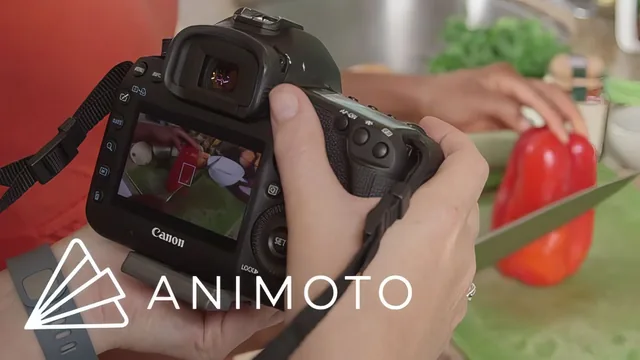
A photographer walks through one real shoot start to finish, but the lesson leans on Animoto's paid templates for the actual edit.
This class promises to take a total beginner from blank page to finished one-minute marketing video in under half an hour, and for the most part it delivers on that narrow promise. Sally Sargood, working from Animoto's customer-facing photography team, builds the entire lesson around a single real shoot: a vegan food blogger named Jenne, filmed in her own Harlem apartment with both a DSLR and an iPhone. That case-study structure is the class's biggest strength. Instead of abstract advice about "good lighting" or "compelling stories," viewers watch an actual location get scouted, a shot list get written, and raw footage get trimmed into a finished piece.
The front half of the course earns its keep. The breakdown of video types by buying-cycle stage (awareness videos like "about me" or highlight reels, consideration videos like behind-the-scenes or team profiles, decision videos like promo offers) gives beginners a genuinely useful framework for deciding what to make before they ever pick up a camera. The shot list section that follows is concrete rather than theoretical: aim for 10 to 15 clips and 10 to 15 stills, don't overshoot, and use the hand-in-the-light trick to judge whether a location has usable natural light. The handheld camera tips, tucking elbows in, using a wide lens to minimize shake, looping the strap around the neck for stability, are small but genuinely transferable to anyone shooting on a phone.
Where the course narrows
The back half is where the class stops being general video-marketing instruction and becomes an Animoto product walkthrough. Once the footage is captured, the entire editing section happens inside Animoto's dashboard: choosing a preset "documentary" style, dragging clips into a timeline, adjusting a pacing slider, and picking from a licensed music library. None of this transfers to Premiere, DaVinci Resolve, CapCut, or any other editor a viewer might already own. Someone who doesn't want to pay for Animoto is left with the shooting advice but no editing skill they can actually apply. The course also skips audio almost entirely, explicitly turning off ambient sound on every clip and deferring any real discussion of voiceover or interview audio to "if you want to include audio, feel free."
The pacing suits its length. Because the whole thing is built around one continuous shoot-and-edit session, there's no filler, but there's also no time spent on troubleshooting common beginner mistakes, alternative composition techniques, or what to do when the light isn't as forgiving as Jenne's big Harlem windows. The final section on distribution and legal basics, get a model release, use licensed music, is a useful closing reminder but gets about ninety seconds of attention.
As a demonstration of how fast a usable marketing video can come together, this works well and might genuinely unstick someone who has been putting off making video content out of intimidation. As a skills course that holds up regardless of software choice, it falls short once the footage lands on the computer.
The standout
The on-location shot list demonstration, showing exactly how a 10-to-15-shot plan turns a vegan food blogger's kitchen routine into a coherent one-minute story.
What you will learn
- How to map video content to the three stages of a buyer's journey (awareness, consideration, decision) and pick a video type for each
- How to build a simple shot list before filming so you don't miss coverage on set
- Practical handheld camera stability tips (elbows tucked, strap around neck, wide lens) for both DSLR and iPhone shooting
- How to read available light using the hand test and choose a location with good natural light and a relevant background
- How to select, trim, and sequence 10 to 15 clips and stills, add text slides, a logo, and a call to action inside Animoto's editing dashboard
- How to choose a video style, pacing, and licensed music track to match the tone of a one-minute promo video
Best for: A solo creative or small business owner with no video experience who wants a fast, low-cost first marketing video and is open to using Animoto.
Skip it if: Anyone who already edits video, wants platform-agnostic software training, or needs advice on audio, interviews, or longer-form content.